app.
Worship tools
Once the order of service is published, the people who lead it need more than a list. Musicians want the recording to practise with and the chart to read from. Whoever runs the service needs everyone to know which item is on and how long it has left.
Chimes puts all of it in the member app, under Serving, for the people on that service's rota. It works from the same published order and the same files the coordinator chose, so nobody rehearses from an old version.
In short
One published order
The live view, the recordings and the charts all come from the order the coordinator published, so the whole team is on the same version.
Private to the team
Files and recordings open only for people on that service's rota, and each person's marks stay their own.
Nothing extra to buy
Rehearsal, charts and live control are part of Chimes, not an add-on with its own subscription.
A live view of the service, with now, next and a countdown
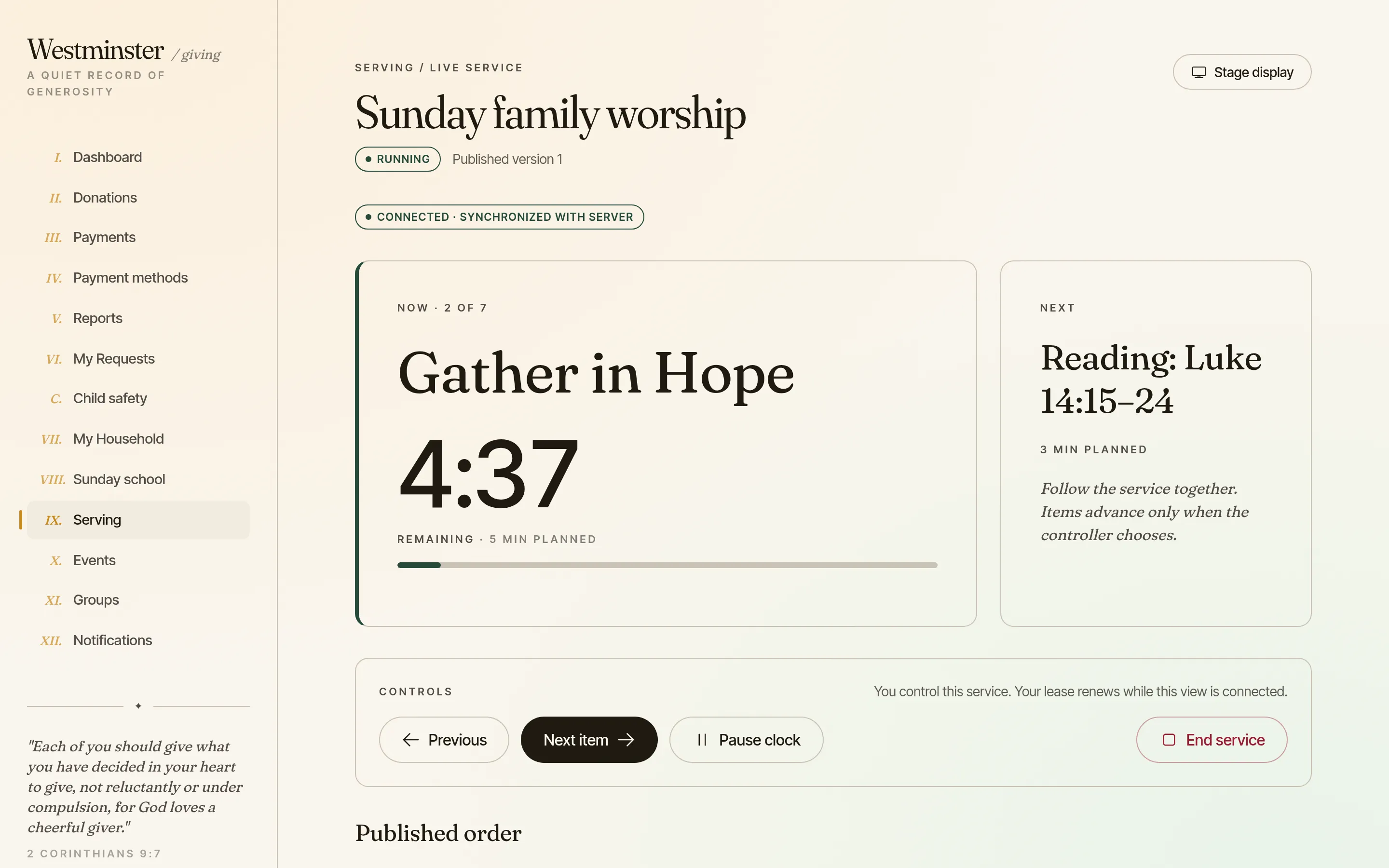
One person controls the service from their phone or laptop. They start the published order, move to the next item when it begins, and everyone following sees the same item and the same clock. An item with a planned length counts down and shows when it runs over. An item without one, such as an open time of prayer, has no countdown.
A stage display shows only now and next in large type, for a screen at the front or a tablet at the sound desk. Private notes for the coordinator never appear on it.
- check Pause the clock, step back, or jump to any item in the order
- check Another permitted person can take over if the controller's device drops out
- check Running the service never reopens the order for editing
Practise the songs from the recordings the team chose
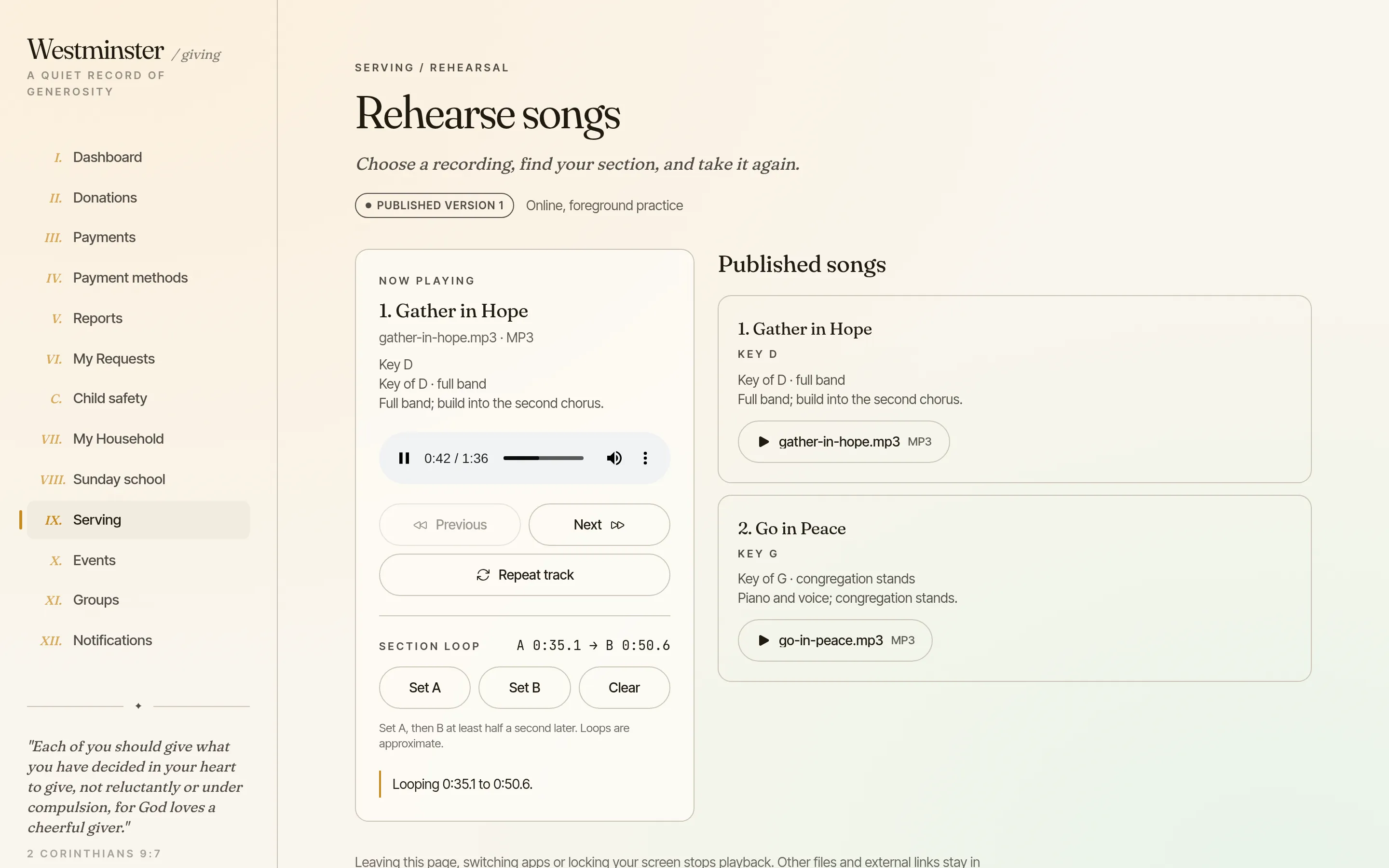
Rehearse songs lists every song in the published order with its key, the arrangement notes and its recording. A musician presses play, skips between songs or repeats a track, all on their own device.
To work on a difficult phrase, set A at its start and B at its end, and the player loops that section until it is cleared. Practising never moves the live service on, and nobody else hears it.
- check MP3 and M4A recordings uploaded to the church's worship library
- check Only people on that service's rota can play them
- check Upload only recordings the church owns or is licensed to share
From the worship library to Sunday morning
The tools follow the published order. A new arrangement in the library reaches the team only when the coordinator selects it and publishes the order again.
Controlling the live service is a permission of its own, separate from being on the rota, so only the people you choose can move the service on.
-
01
Add the songs to the library
Upload each song's chart as a PDF and its rehearsal recording, with the key and arrangement notes.
-
02
Choose them in the order
Select the exact version of each song in the order of service, then publish it to the people on the rota.
-
03
The team rehearses
Musicians practise from the recordings, read the charts and add their own marks during the week.
-
04
Run the service
On the day, the controller starts the live view and the leader shares pages for anyone who wants to follow.
Read the chart and mark it up for yourself
Read plan PDFs opens the charts, lyric sheets and orders attached to the service, in service order. Each musician turns pages, zooms and fits the page to the screen without affecting anyone else. Page turning by the arrow or page keys can be switched on too.
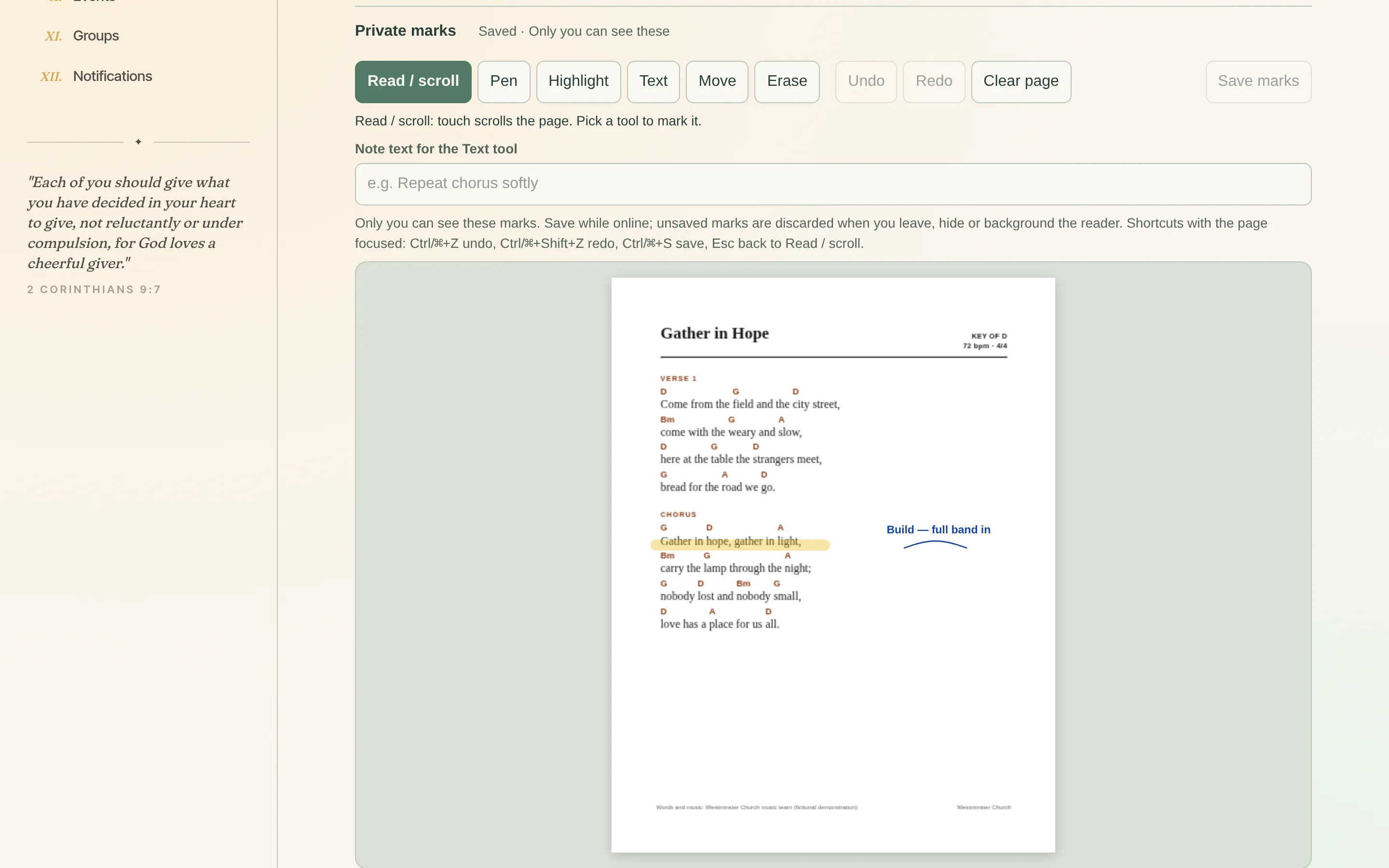
Pen, highlighter and text notes go straight onto the page. They are saved privately to that version of that file, so a singer's breath marks and a guitarist's capo note never appear on each other's charts.
- check The exact file that was published, never a later library edit
- check Marks are saved when you choose to, and show when they are saved
- check Undo, redo, move and erase before saving
Follow the leader's page, or read on your own
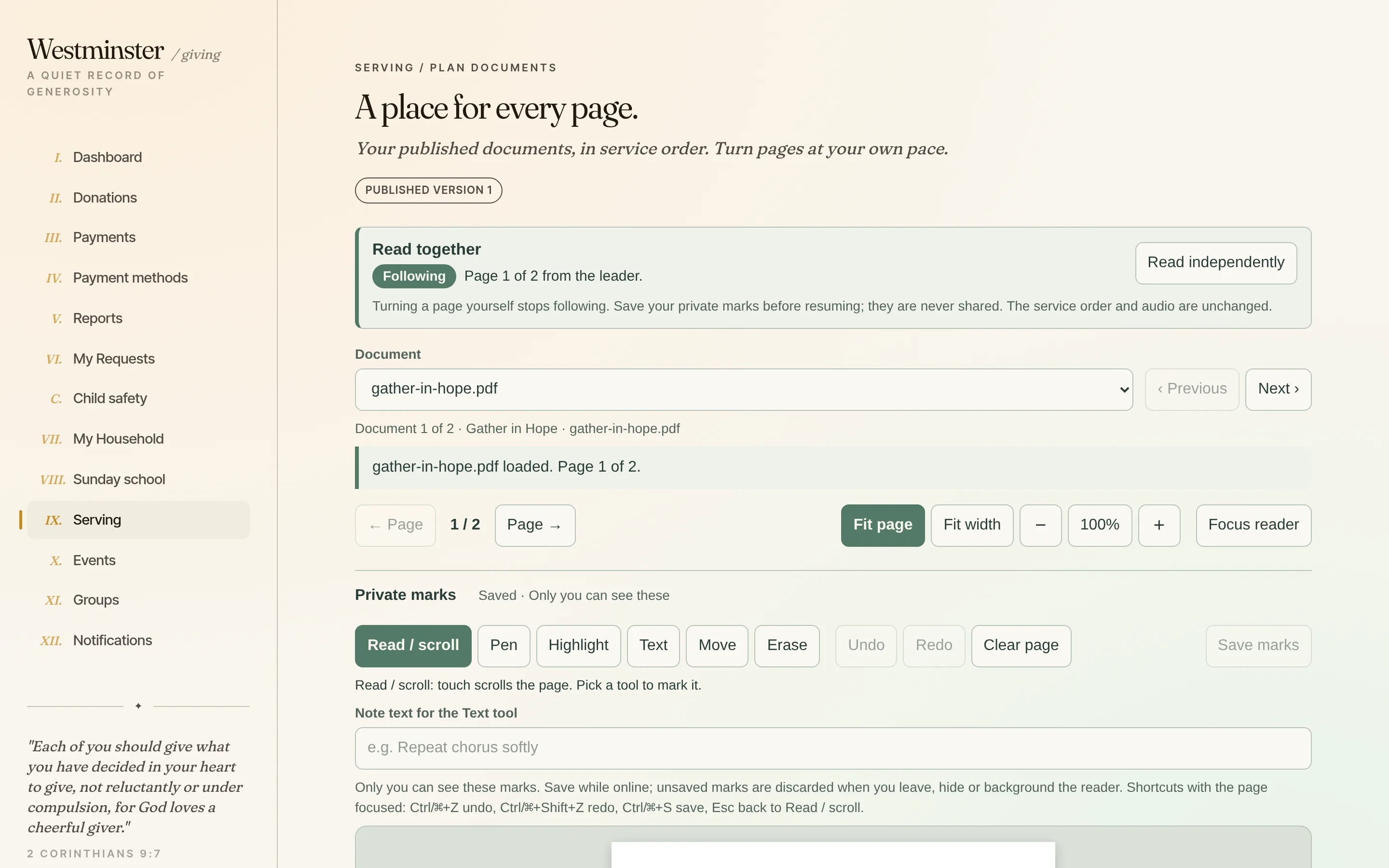
The worship leader can start a page session and share the page the band should be on. Each musician chooses whether to follow. Those who do are taken to that document and page as the leader shares it.
Turning a page yourself steps out of following, so you can look ahead to the bridge. Press Resume following to rejoin. Following never starts the audio, never moves the live service on and never shares anyone's marks.
- check Following is opt-in for every musician, every time
- check The page session and the live service are controlled separately
- check Online only for now: in the mobile app, a recording and a chart cannot yet be open at the same time, and page-turn pedals are still being tested
Related features
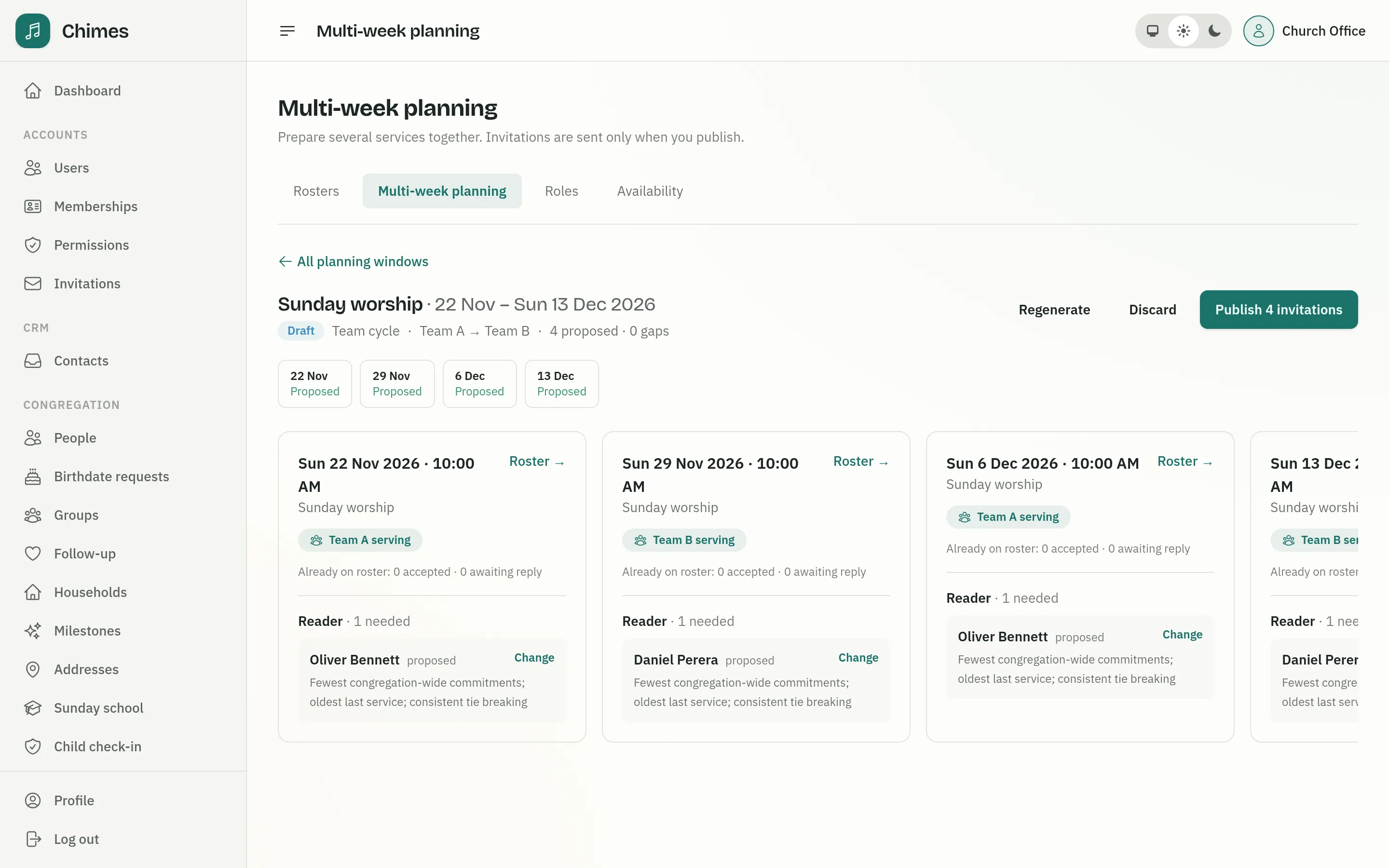
Service planning
Several Sundays planned at once, team rotations or fair suggestions, cover and swaps agreed by volunteers, and a published running order for the day.
See the feature arrow_forward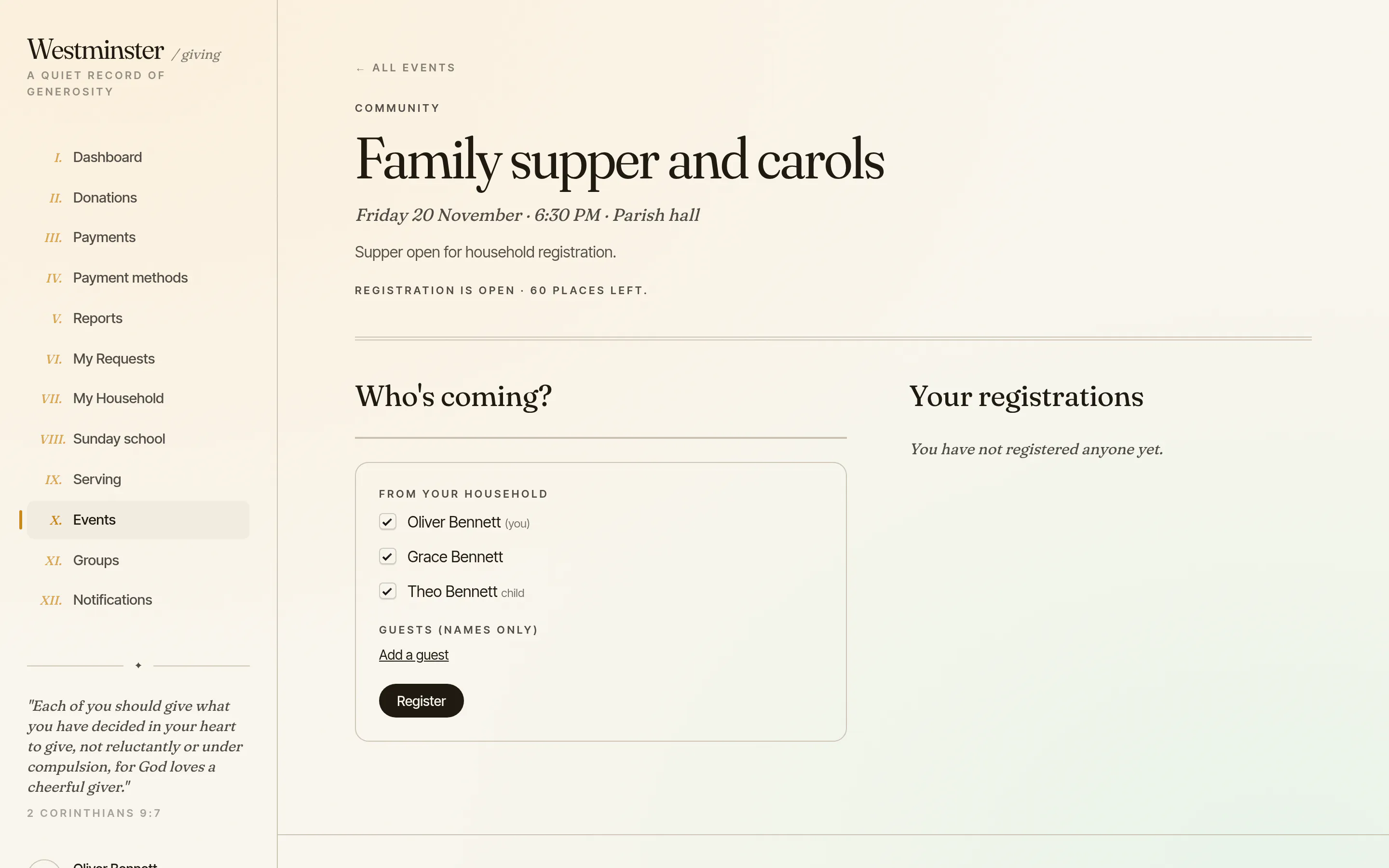
Events and serving
Members book their household and guests for church events, paying when there is a price, and answer the roster, see their service plans and arrange cover.
See the feature arrow_forward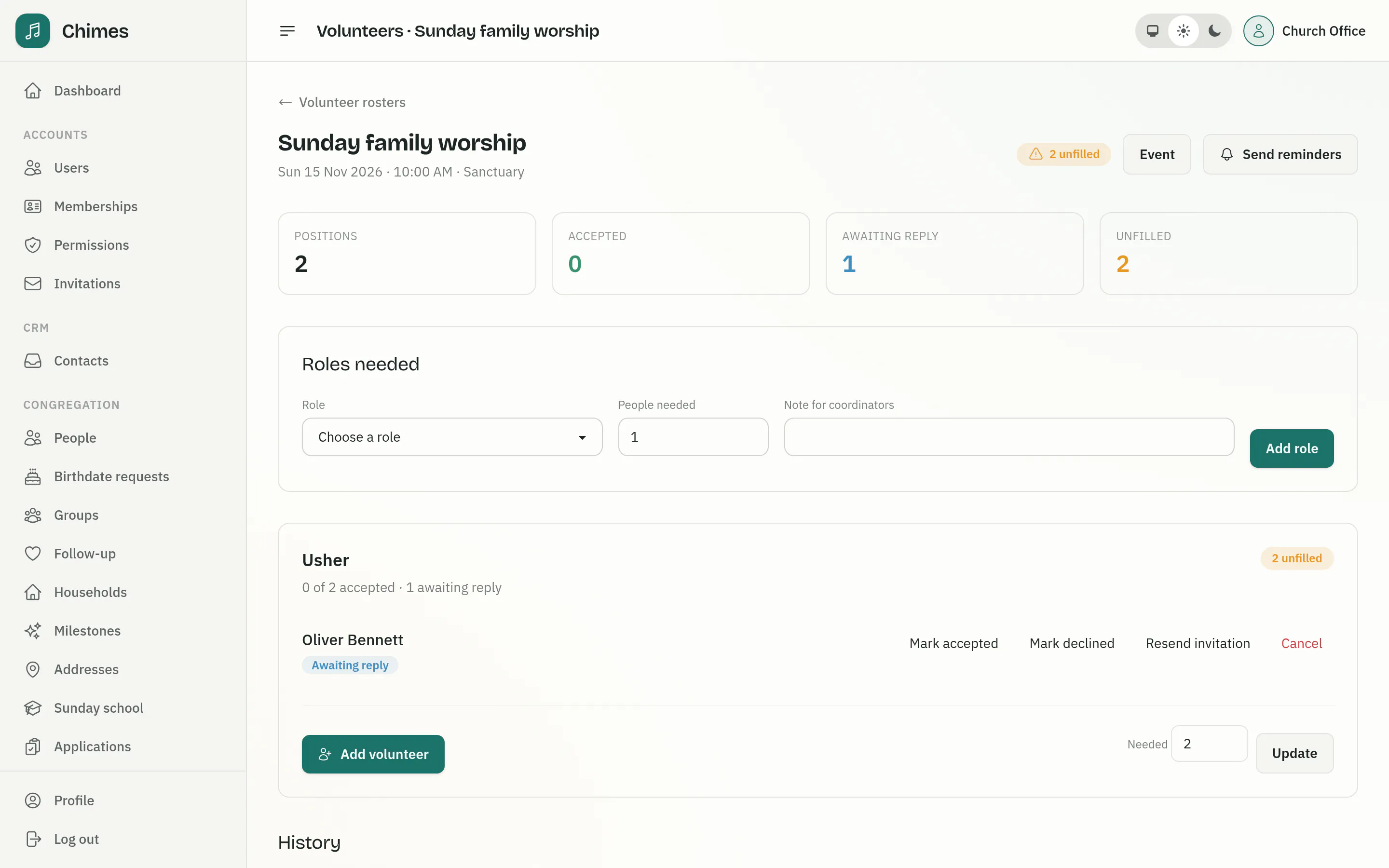
Volunteer rosters and event sign-ups
The roles each service needs, invitations answered by email or in the app, reminders, and event registration with capacity, guest limits and prices.
See the feature arrow_forwardSee Chimes with your own congregation in mind.
Tell me how your church keeps its records today and where you would like Chimes hosted. I will come back with a deployment plan and a straight answer on what it will take.