app.
Groups
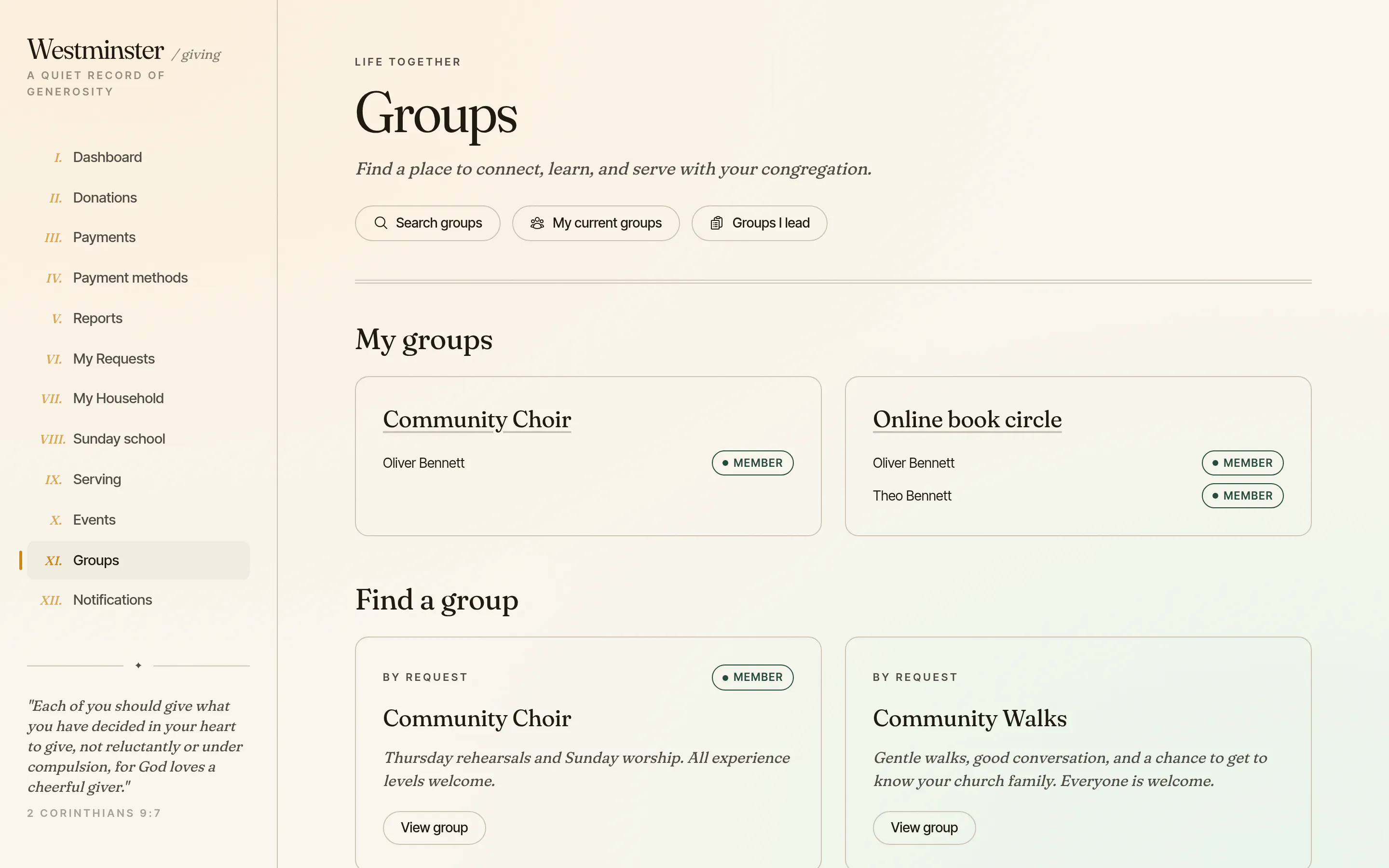
Small groups, ministry teams and classes live in the member app. Members find a group and join it, answer for their family's places at its meetings, talk in its chat and open the files its leaders share. Their groups, requests and replies stay together on one page.
Leaders run their own group from the same app: a calendar of events, RSVPs, attendance, join requests and messages to the group. They get only that group, never the office's directory, and the church office stays in charge of what is listed and who leads.
In short
Nothing listed by accident
Every group starts hidden, so internal rosters stay internal until the office lists or publishes a group.
For members and their children
Members join and RSVP for their children under 18, but never for the other adults in their household.
Leaders without the directory
A leader manages their own group's calendar, attendance and requests, and sees nothing of the rest of the church.
Search every group your church lists
Members search by name or description and narrow the list by type, campus, tag and the day a group meets. Each card shows how to join, and a confidential group says so instead of showing who belongs.
Every group starts hidden. Nothing appears until the office lists it, so existing rosters, such as the Sunday congregation, stay internal.
- check Open to join or by request, shown on every card
- check A share link for each group, to send to a friend
- check My current groups, including unlisted ones the family belongs to
A public group directory on the church site
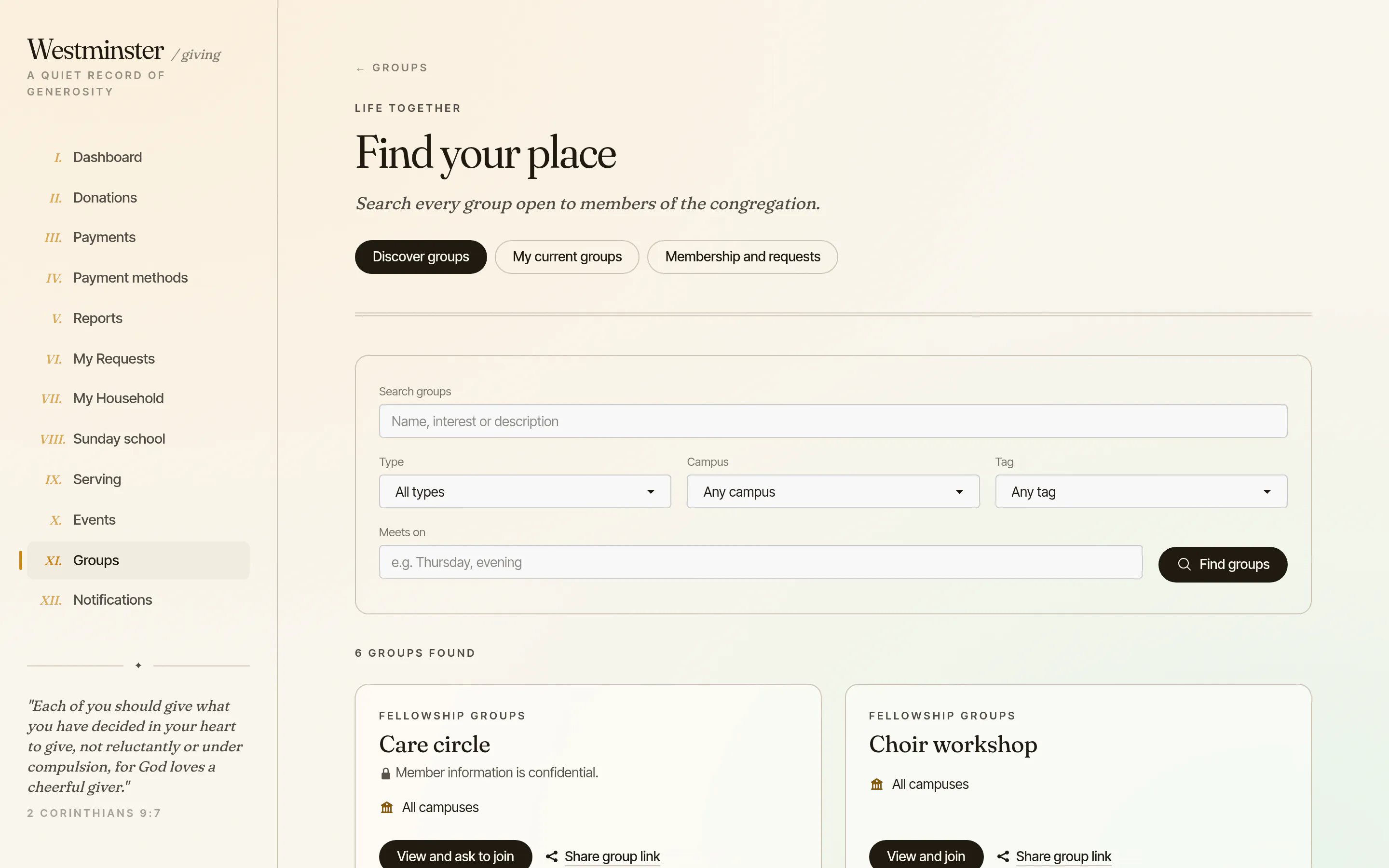
Groups the office publishes also appear on the church website, with the same search and filters. Visitors read the name, description, schedule and general area, then sign in to join, and the sign-in returns them to the group they chose.
A group's location can be hidden, approximate or exact, as the office decides, and online meeting links are shown only to the people in the group.
- check Published one group at a time, separately from the member listing
- check Questions from visitors go to the office inbox
- check No member names or contact details on public pages
Join at once, or ask with a message
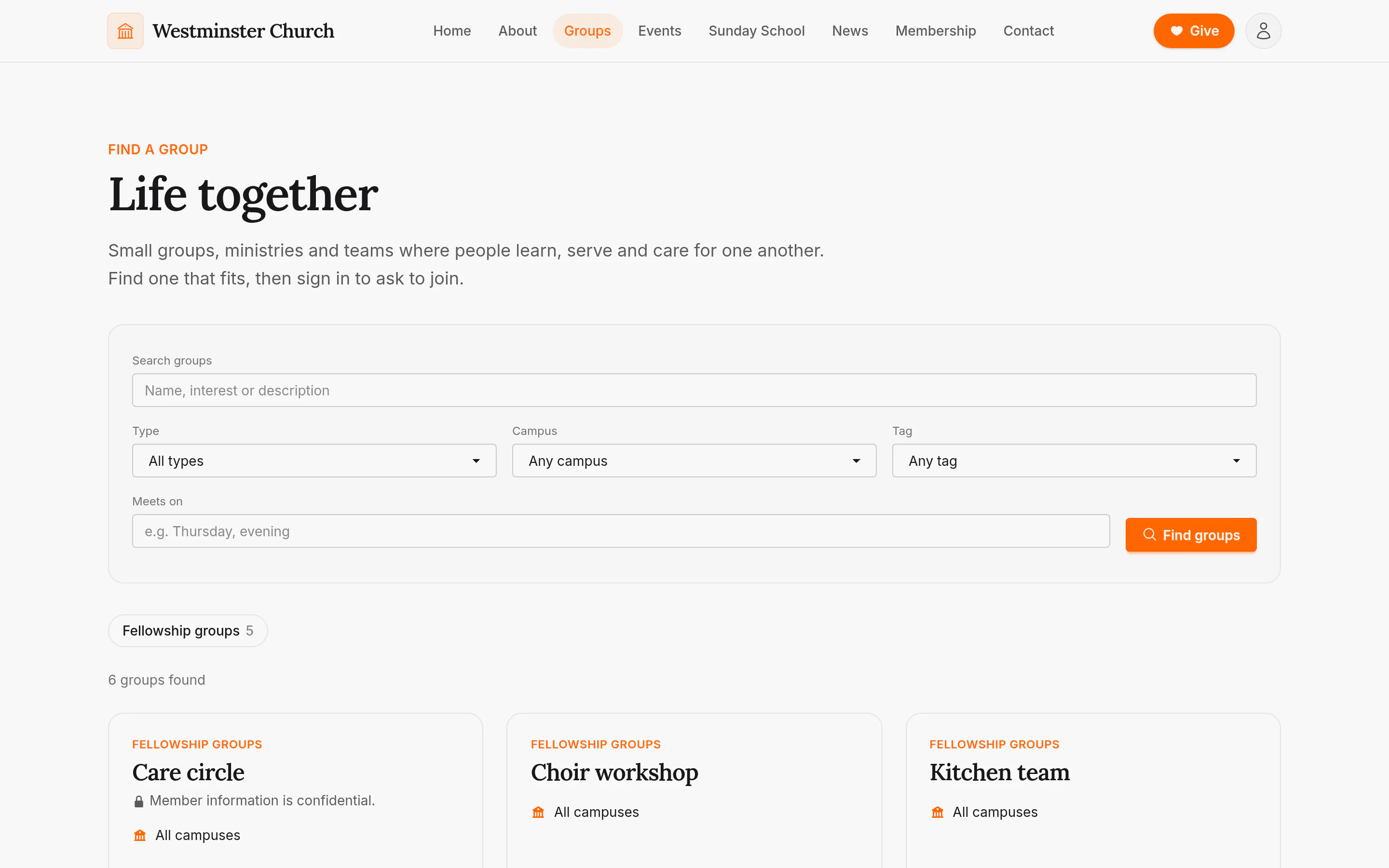
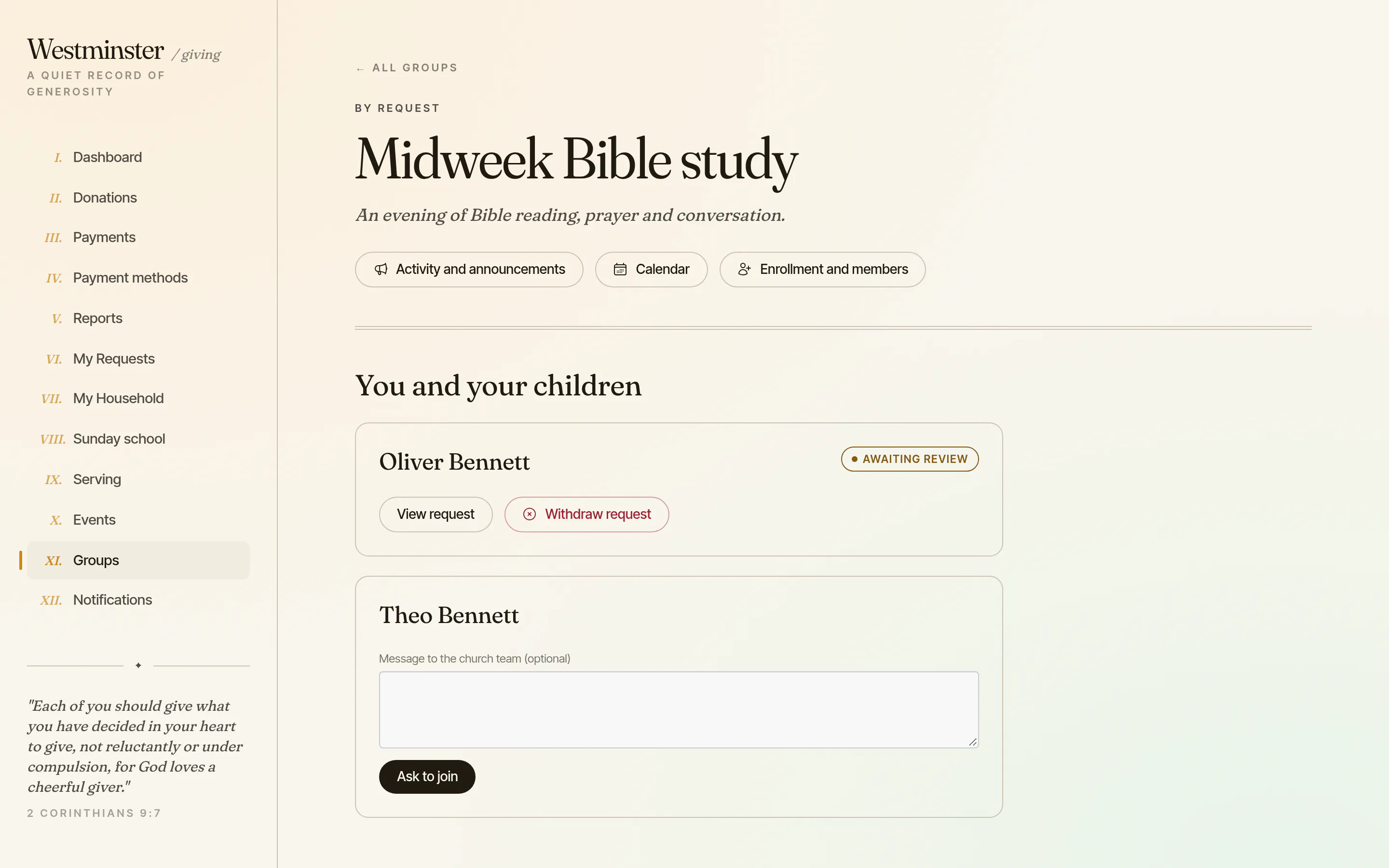
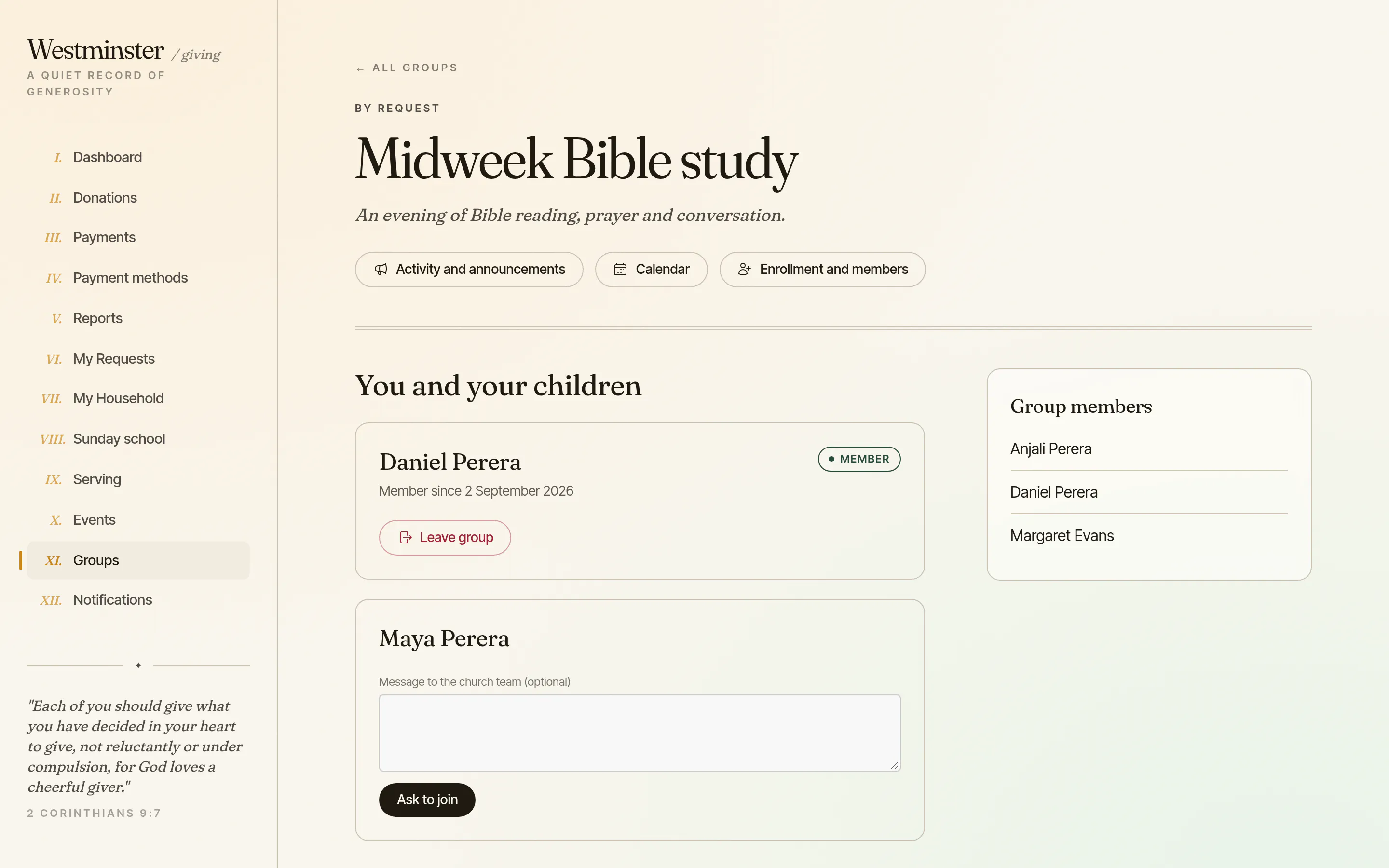
A group page has a card for the member and one for each of their children. In an open group, Join adds the person the same day. In any other group, Ask to join sends a request, with an optional message for the leaders, who approve or decline it with a reply.
A group can have a capacity and a closing date. When it is full or closed, members see that, and nobody can join until a place frees up. Leaders can also email an invitation or share a link. Both expire after 14 days, and accepting one sends a request.
- check Children under 18 whose parent or guardian link the office has recorded
- check One pending request per person in each group
- check Decisions emailed to the family and shown in My requests
Group events with RSVPs for the whole family
Leaders schedule one-off events or a weekly series, change a single date without touching the rest, and add a location, an online meeting link and a picture. Members see the group's calendar and its history, and leaders can add church events to it.
Each member answers Going, Maybe or Can't go for themselves and for their children, with a number of guests. Leaders can email a request for answers, and the link in that email works without signing in.
- check Automatic or one-off reminders by email, push and the app's inbox
- check A private calendar feed for each phone or computer, revocable at any time
- check Office staff can share a group's events on the church calendar
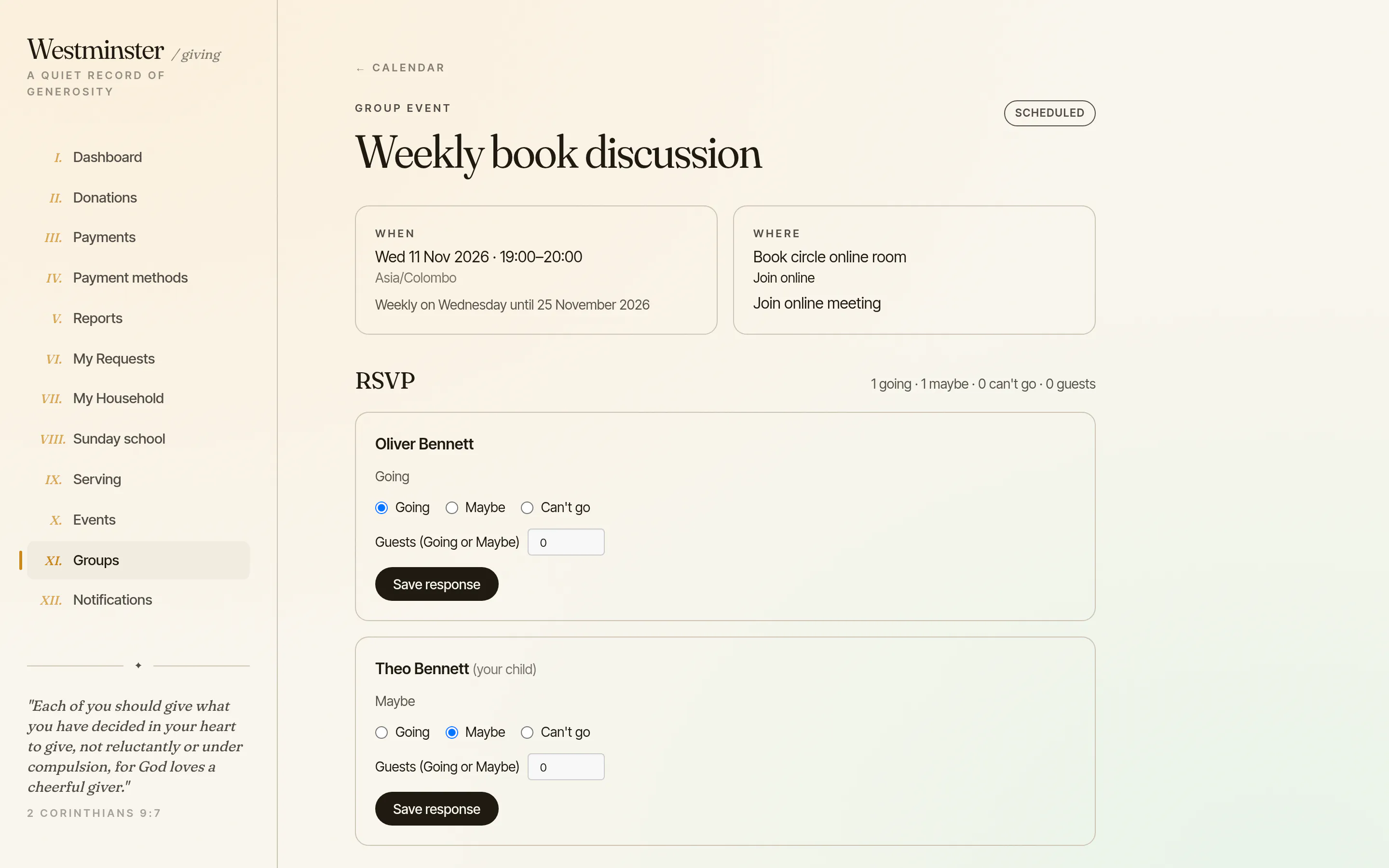
How a group meeting runs in Chimes
Leaders and the people they choose to take attendance do all of this from their phone, in the member app.
Waitlists and paid sign-ups are not part of groups yet: a full group shows that it is full.
-
01
The leader schedules it
A one-off event or a weekly series, with a place or an online link.
-
02
Members answer
Going, Maybe or Can't go for themselves and their children, in the app or from an email.
-
03
Chimes reminds everyone
Members get the event reminder, and leaders and takers get the attendance one.
-
04
Attendance is taken
A taker marks the roster on the day, adds visitors and submits the register within seven days.
-
05
The report updates
The meeting counts in the leader's report and in the office's reports across every group.
Conversations that stay within the group
The office turns chat on for a group and decides whether members or only leaders start conversations. People reply, react, share up to 10 photos at a time, see who has read a message, and choose how much each conversation notifies them.
Chat is for adults with a birthdate on record. A group can let ages 13 to 17 take part, and then their chat pauses unless two adult leaders are in it. Guardians can read their teenager's group chat, anyone can report a message, and leaders or the church's moderators can remove messages and lock a conversation.
- check No chat in groups the office marks confidential
- check Direct messages between adults who share a group, if the church turns them on
- check Adults can choose to show their email or phone number to their group
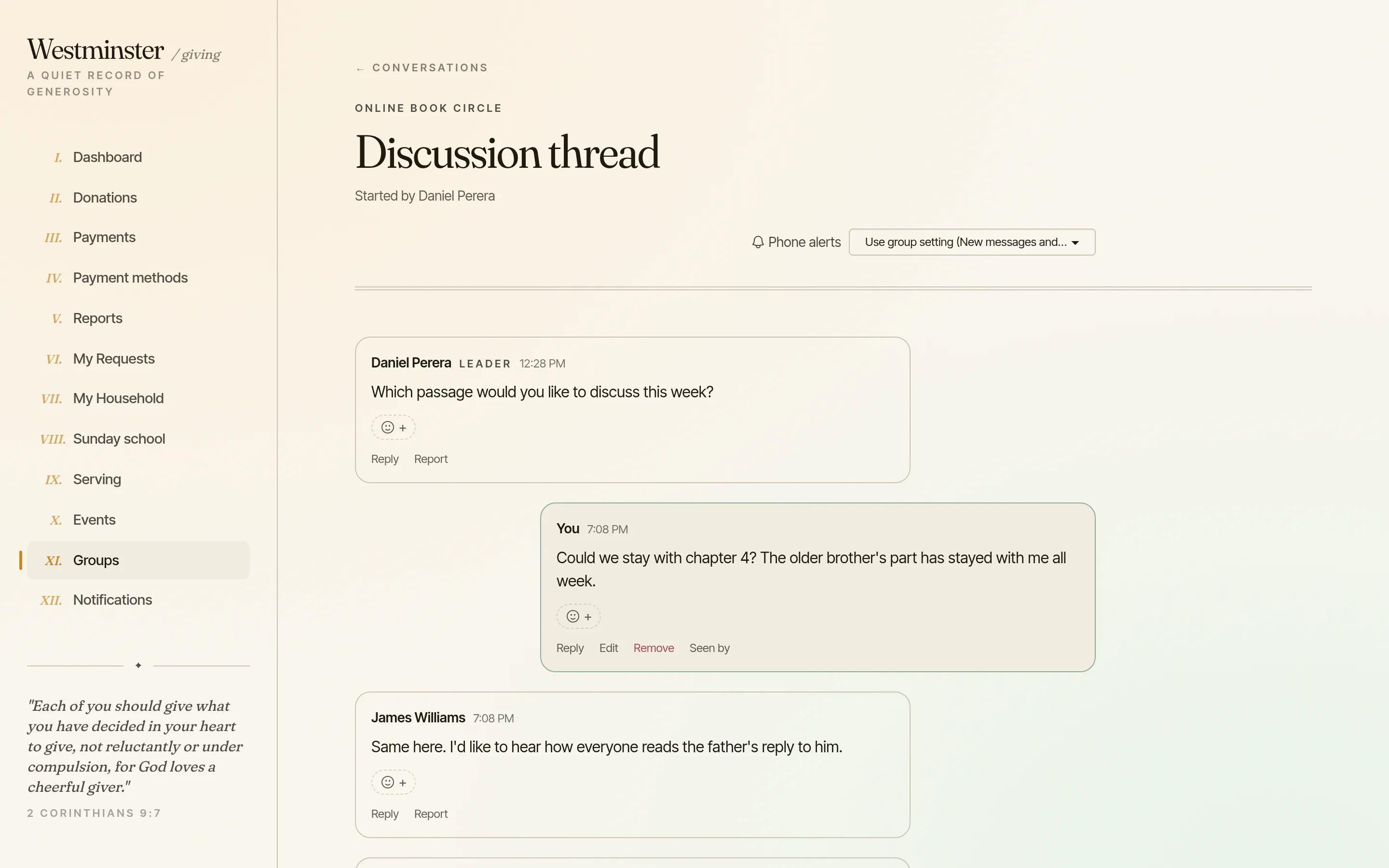
One inbox for every group update
Announcements, event reminders, new files, new conversations and replies to requests arrive in the app's inbox, and as push notifications on the phone app. Each member chooses which of these they want for each group.
Leaders share files and links with their group, pin the important ones and keep some for leaders only. The office can share a resource with every group or every group of a type, and files are only served to people allowed to open them.
- check Files up to 25 MB, in safe types, or links
- check Resources archived and restored, never deleted
- check Group email that each member can turn off for themselves
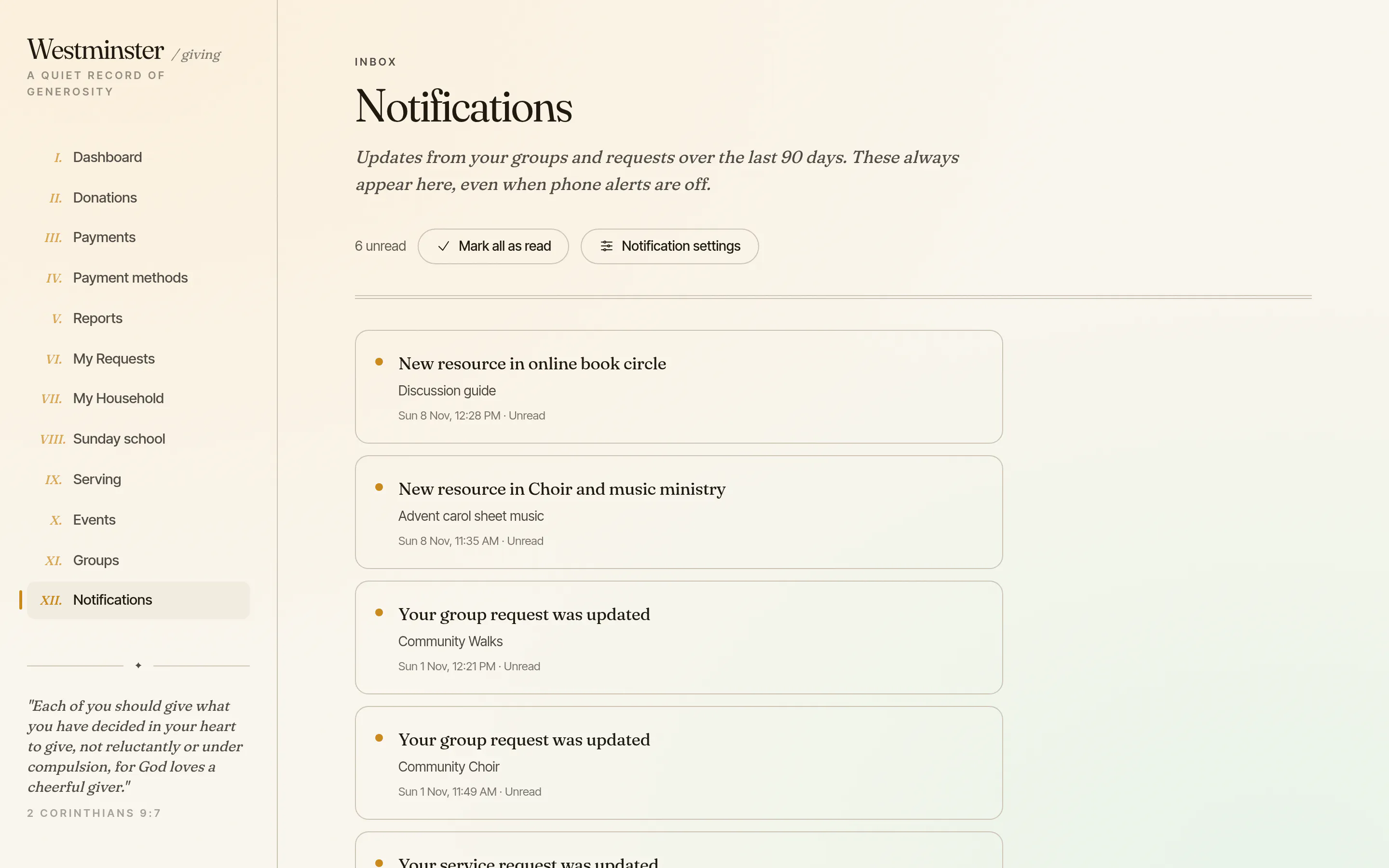
A workspace for each group a person leads
The office assigns leaders, and each leader sees a workspace for their groups: the events, pending join requests, the members and the people trusted to take attendance. From there they write to the group as a post in the app, an email, or both, with a preview and a test send first.
Leaders can edit the group's description and schedule, but its name, listing, joining rules and privacy stay with the office. Leadership belongs to one account, and is checked again on every action.
- check Group-wide or single-event attendance takers
- check Email delivery history for every group message
- check An optional notice to someone removed from the group
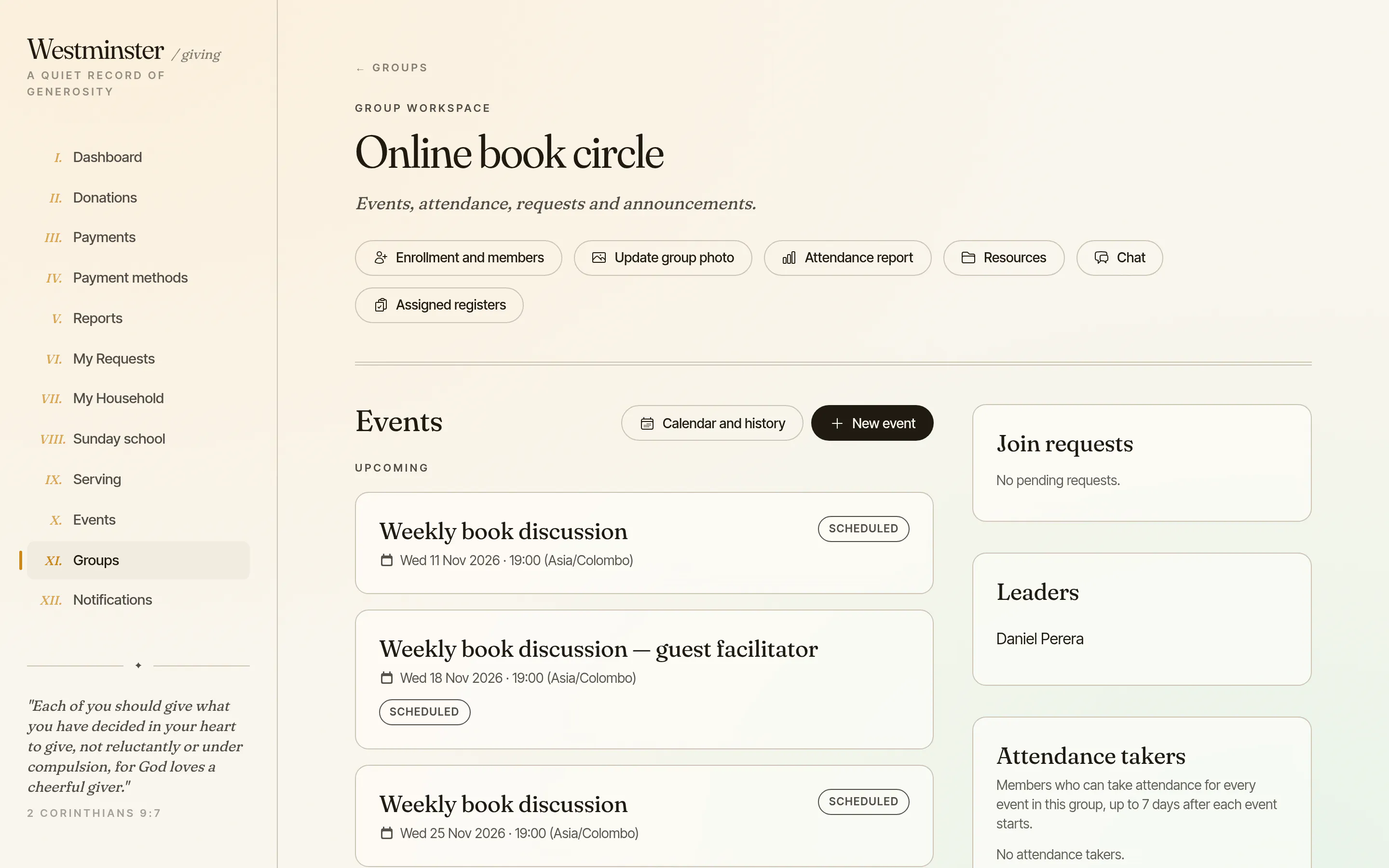
Registers and reports for each group
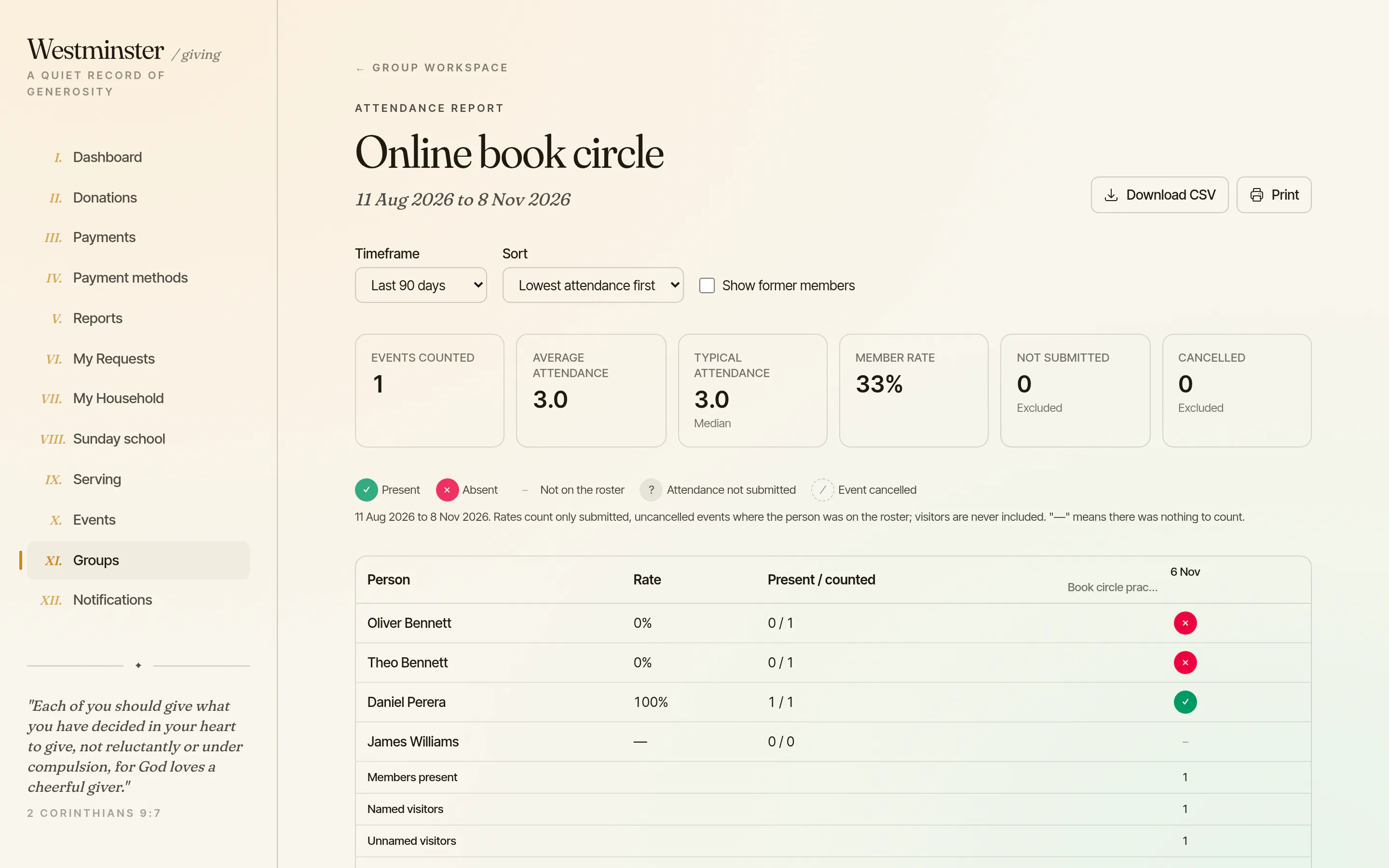
A register opens an hour before an event, lists the members on that day, and takes named and unnamed visitors. Takers can submit it for up to seven days, and every later correction keeps its history.
The leader's report shows each person's attendance rate and the group's averages over the period they choose, and downloads as CSV or prints. Cancelled events and events without a submitted register are counted separately, never as absences.
- check Reminders to leaders and takers when attendance is due
- check Former members shown only when asked for
- check Saved registers never change when the roster does
See who else is in the group, if the church allows it
Where a group shows its members, current members see a list of names. Children are shown only to their own family, and so is anyone without a birthdate on record, so a missing date never puts a name on screen.
A member leaves from the same page. The membership ends that day and the history is kept, so rosters, reports and announcement lists stay accurate.
- check Off by default for every group
- check Confidential groups hide names and counts
- check No contact details unless an adult chooses to share them
Related features
Group management
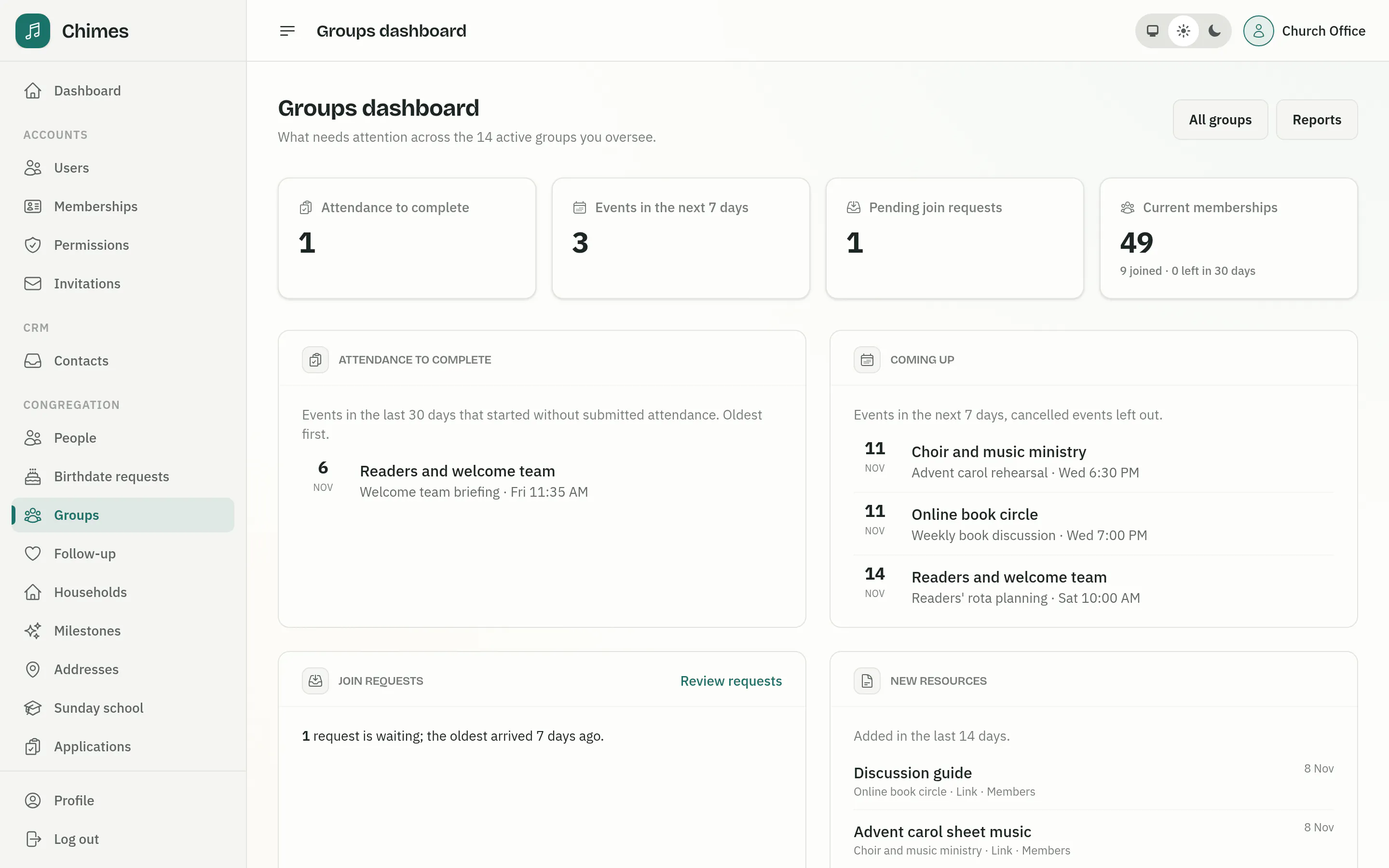
One dashboard for what needs attention across every group, with group types and their managers, attendance reports, automations, chat safeguarding and CSV exports.
See the feature arrow_forward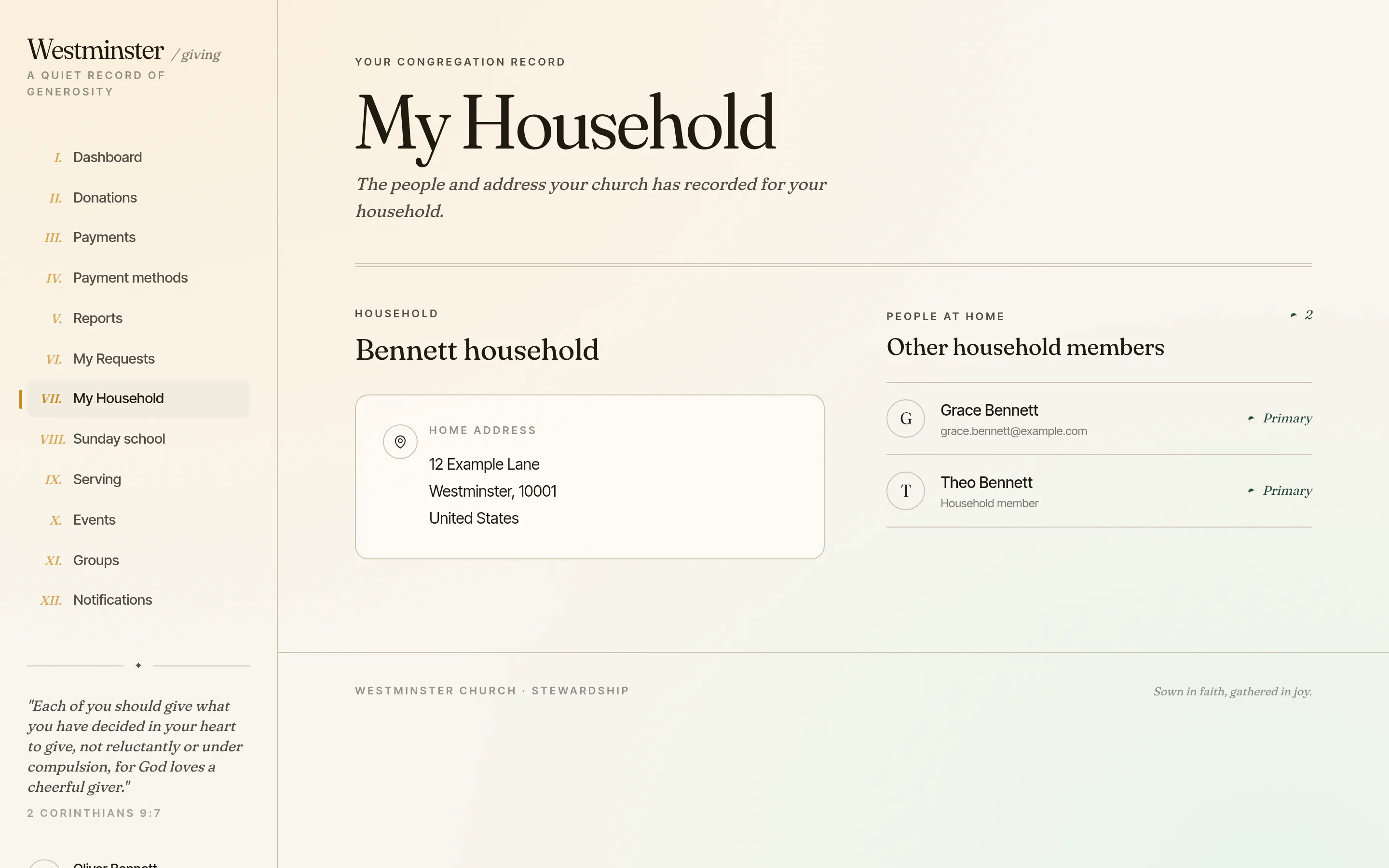
Household and Sunday school
Families see the household the church has on record, ask to enrol a child in a Sunday school class, and follow each child's attendance.
See the feature arrow_forward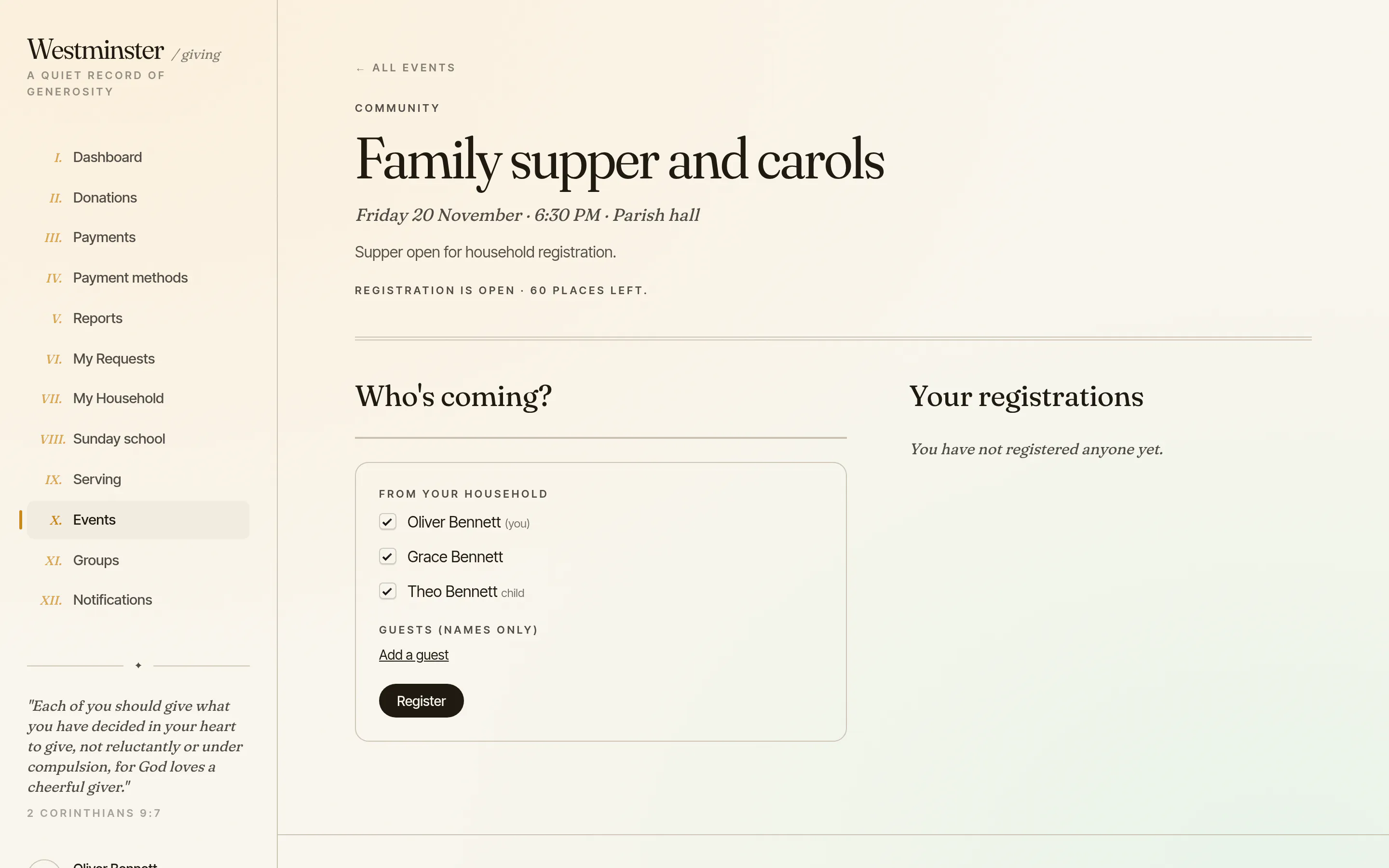
Events and serving
Members book their household and guests for church events, paying when there is a price, and answer the roster, see their service plans and arrange cover.
See the feature arrow_forwardSee Chimes with your own congregation in mind.
Tell me how your church keeps its records today and where you would like Chimes hosted. I will come back with a deployment plan and a straight answer on what it will take.